KESS3 for Motorcycles and ATVs: Practical Guide
How KESS3 reads and writes powersports ECUs via OBD, Bench and Boot, which protocols you need and a safe workflow with our tuning file service.
What KESS3 does, and what it does not
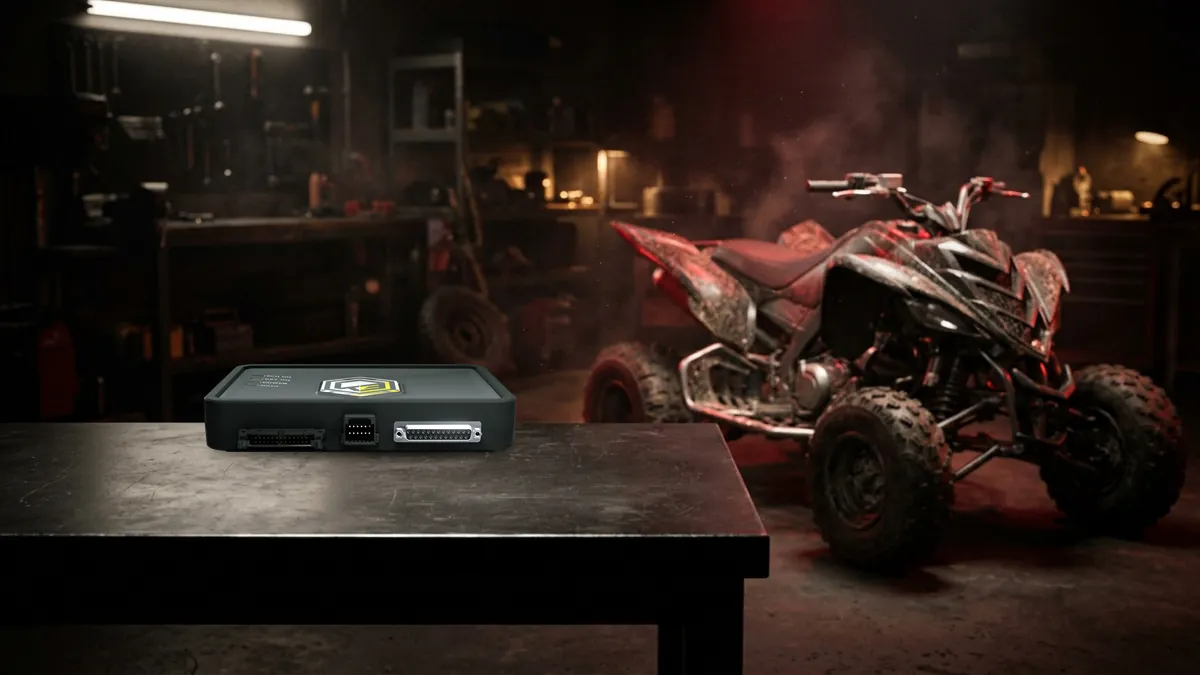
Guides KESS3 is an ECU programming tool made by Alientech. It reads and writes engine control units so that a calibrated file can be installed, and it is the tool we sell and work with most for powersports. This guide explains what it does, how its connection methods differ and the workflow we recommend when you use it with our file service on motorcycles, ATVs, UTVs, personal watercraft and snowmobiles. If the idea of flashing an ECU is new to you, read what a motorcycle ECU flash is first. KESS3 is an interface that connects the ECU to a laptop running the manufacturer's software. For a tuner it does three jobs: it identifies the ECU, reads its memory into a file and writes a modified file back. It does not create the calibration. The tool moves data in and out of the ECU; the calibration is the work of whoever modifies the file. With our file service, that is our calibrators, working on the exact file read from your vehicle. OBD, Bench and Boot: three ways in Depending on the vehicle and the ECU, KESS3 connects in one of three ways: Method How it connects Typical use OBD Through the vehicle's diagnostic connector, with the ECU installed Many recent bikes, ATVs and UTVs that support reading and writing through the diagnostic port Bench ECU removed and connected on the bench with a dedicated cable, using its normal communication lines ECUs that cannot be read fully, or at all, through the diagnostic port Boot ECU removed and, on most units, opened to reach the processor's boot mode ECUs locked to other methods, or recovery after a failed write The method depends on the specific ECU and its software, not only on the vehicle model. Powersports diagnostic connectors also vary by brand, so OBD work often needs a brand-specific adapter cable. Before you start, check the tool's vehicle list for your exact ECU, or ask us.
Protocols and licenses
KESS3 works through protocols: the communication methods for families of vehicles and ECUs. Depending on the plan you buy, motorcycle, ATV, UTV, marine and snowmobile protocols may be included or may need to be activated separately, and some configurations are designed to work with a file service rather than to edit files yourself. Coverage and licensing terms are set by the manufacturer and change over time, so check the current options before you buy instead of relying on an old forum post. Our KESS3 for powersports page and the shop list the configurations we offer, and we can help you pick one that covers the vehicles you actually work on. The workflow, step by step Identify the ECU. Connect, let the tool identify the ECU and note the hardware and software numbers. If the ECU is out of the vehicle, photograph its label. Confirm that the method you plan to use is supported for that exact ECU. Read and save the original. Read the complete content the tool offers for that method. Save the file in at least two places, for example your laptop and an external drive or cloud folder. This file is your way back to stock: never overwrite it. Upload it to your Race ECU account. Upload the original read and fill in the vehicle details: model, year, market, fuel and what is fitted (exhaust, intake, filter, injectors). The more accurate the information, the better the file. We also keep a copy of the original in your account. Receive the modified file. Our calibrators modify your exact file and return it ready to write. Checksum correction is done on our side; you do not need to correct it yourself. Write it. Connect the same way you read, load the modified file and write it. Do not touch anything until the tool confirms the write is complete. Check. Start the engine, check for fault codes, let it reach operating temperature and check idle, throttle response and warning lights. Then do a short, careful test ride or run. If something is not right, stop and send us the details before writing again. The order flow on our side is explained in how it works .
Good practice that prevents bad days
Stable voltage. Use a proper battery support charger or power supply during OBD reads and writes, not a basic trickle charger. Powersports batteries are small, and a voltage drop in the middle of a write is the most common source of trouble. On the bench, use a stable power supply at the voltage the tool indicates. Good cables. Use the correct cable for the ECU and check connectors and pins before you start. Avoid loose adapters and long USB extensions. Do not interrupt. No switching off the ignition, unplugging cables, closing the laptop or letting it go to sleep during a write. Disable sleep mode and keep the laptop plugged in. Cut unnecessary loads. Switch off heated grips, lights and accessories that draw current. On vehicles with keyless systems, keep the key within range for the whole job. Keep the tool updated. Updates add protocols and fixes. Update before the job, never in the middle of it. One vehicle, one folder. Name files with the VIN or serial number, ECU numbers and date. Mixing up the original files of two identical-looking machines is a classic mistake. Once the vehicle is running on its new file, the usual rules for a tuned engine apply; see maintenance after ECU tuning . For workshops If you run a shop, KESS3 plus a file service is a practical way to offer ECU tuning without a calibrator on staff. You read the vehicle, upload the file, and we return the modified file for you to write. Workshop accounts are explained on tuning files for workshops , including how each customer's original file stays organized in your account.
Quick answers
Do I need to correct the checksum myself? No. The files we return have the checksum already corrected for your ECU, so you only need to write them with the same method you used to read. Can I go back to the original file? In most cases, yes: you write back the original read, with the same method, if the ECU allows it. Some ECUs limit write cycles or need Bench or Boot to restore. Keep in mind that reprogramming can affect your warranty, and that a dealer tool may detect that the software was changed. What if my ECU is not on the list? Send us the hardware and software numbers and a photo of the label before you buy anything or open the ECU. We will tell you which method applies and whether the job is practical. Have a KESS3 or planning to get one? Create your account and upload your first original read, or browse the shop . Questions about coverage? Contact us .